
An iPhone and Android app, in English and French
One shopping list, every phone
ShopAir is a shared shopping list app for households. One person adds oat milk from the kitchen; whoever is at the shop watches it arrive and ticks it off, so nobody buys it twice. Everyone you invite adds, ticks off and shops without a subscription of their own.
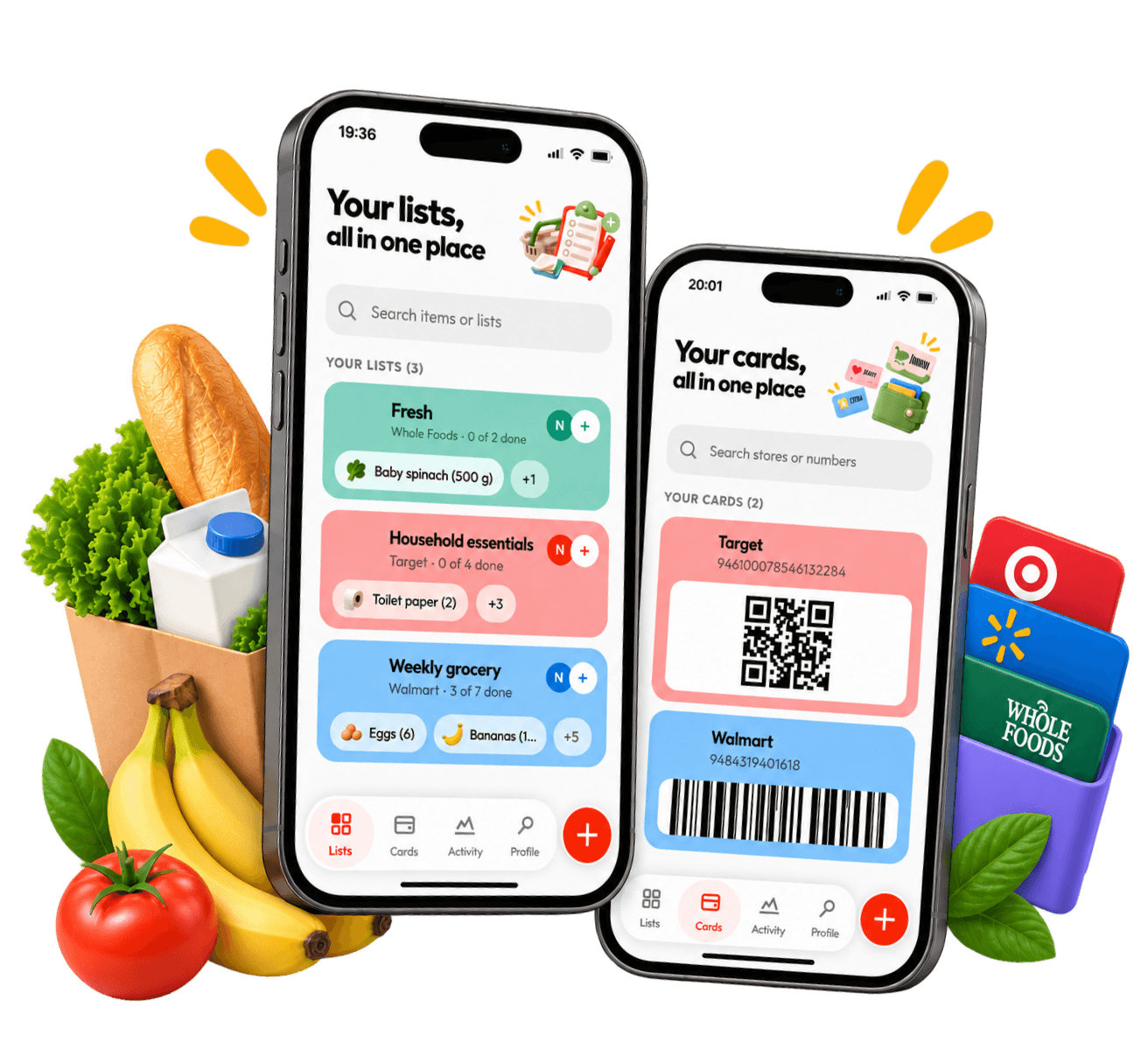
What ShopAir looks like
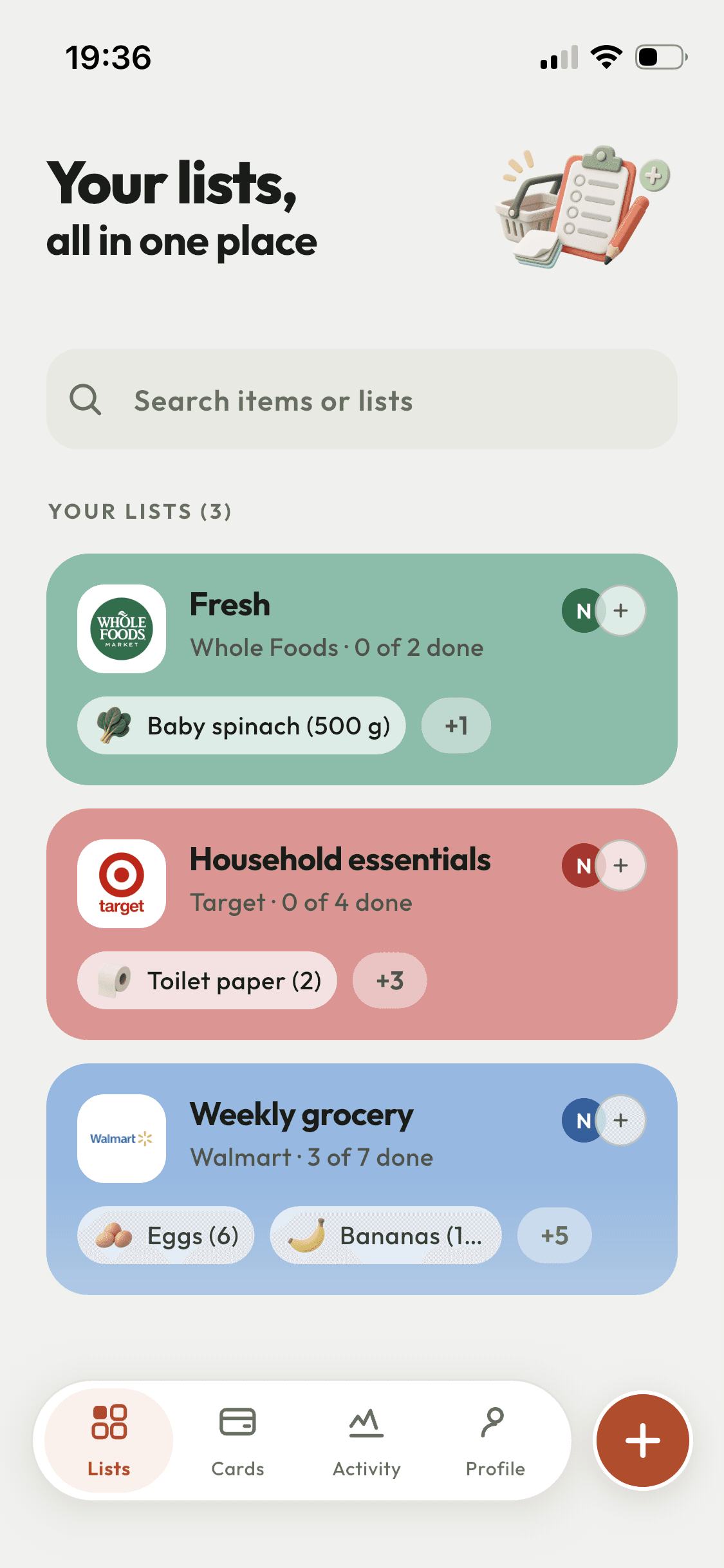
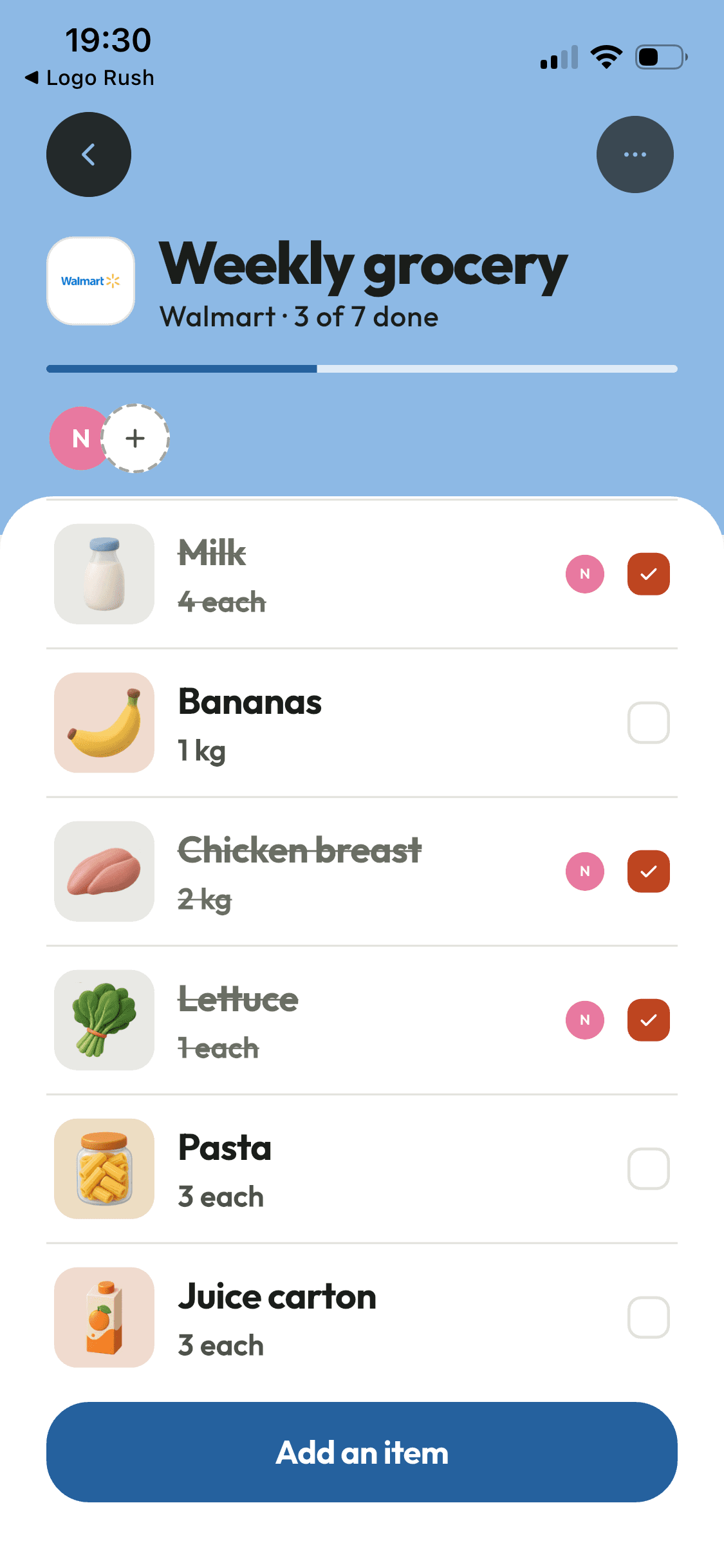
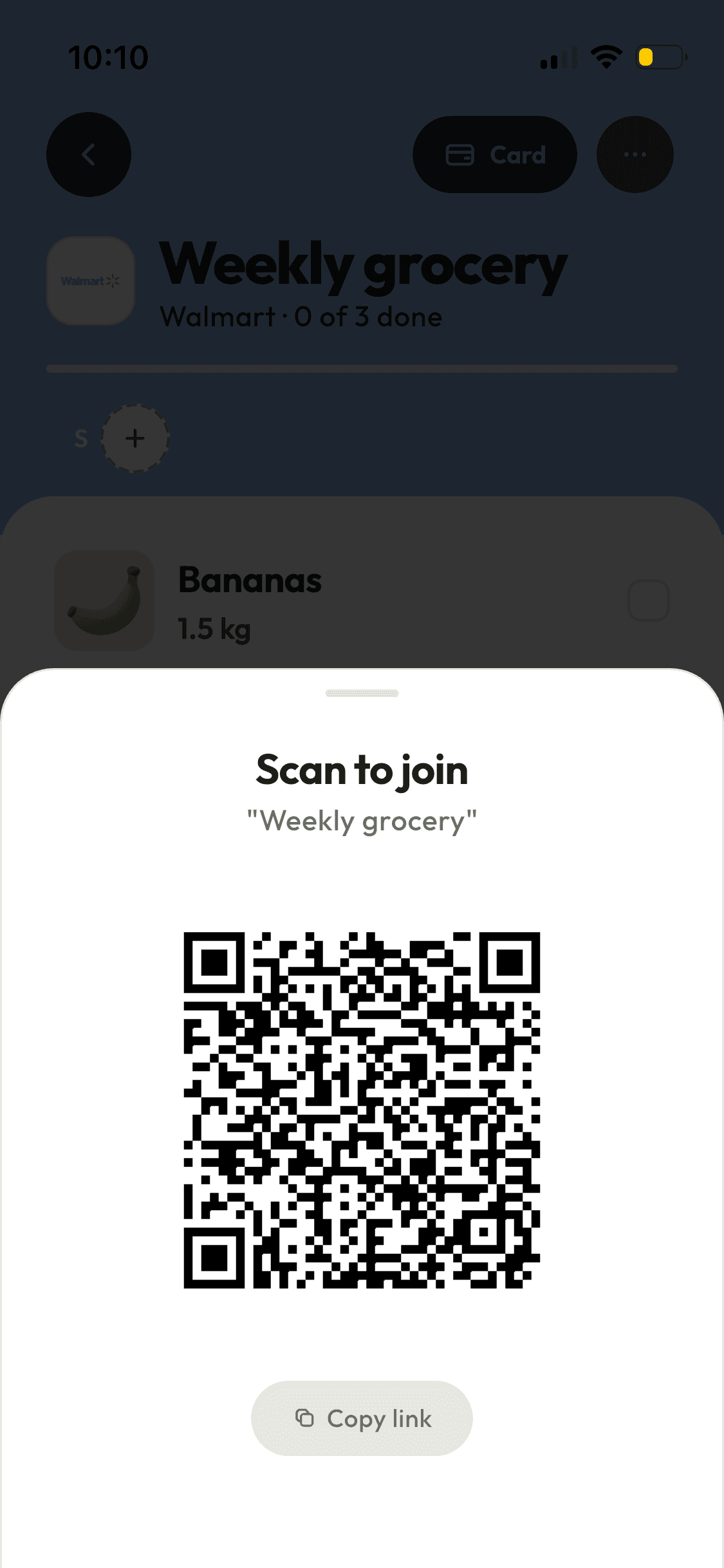
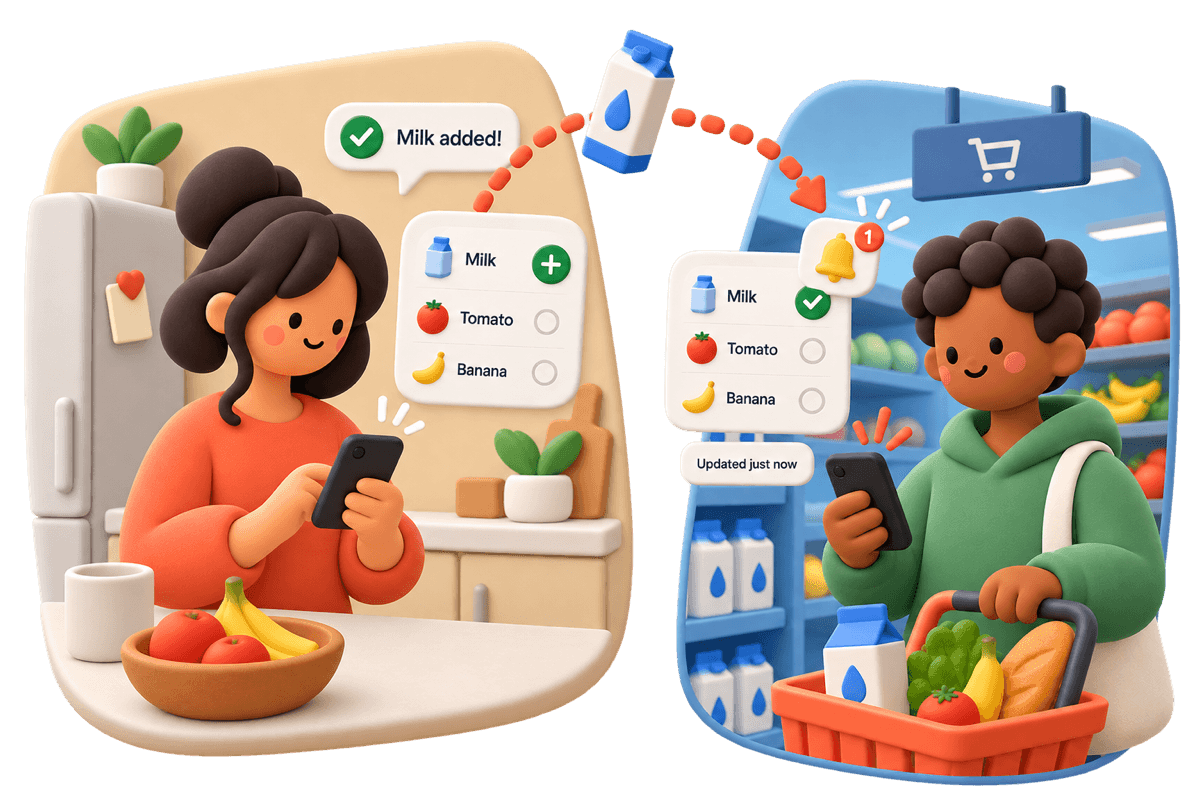
How a shared shopping list works: one copy, not one each
ShopAir keeps one copy of the list and mirrors it to every member’s phone, so an edit by one person shows up on the others as they make it. There is no send button and nothing to refresh.
You add bread, their phone shows bread. They tick it off in the aisle, your phone shows it ticked. In a basement car park with no signal the app keeps taking changes and sends them up when the connection returns.
Each list can carry the shop it is for. It then wears that shop’s colour, which is how you pick the right list out of six without reading any of them. 136 chains are built in and 135 of them arrive with their logo. Anything missing you add yourself.
Who can add to the list, and who can only look
Everyone you invite gets one of two permissions: they can edit the list, or they can view it. You pick when you invite them, and you can change it or remove them later. The list belongs to whoever made it.
Invitations go out three ways:
- A link, sent through WhatsApp, iMessage or anything else you already use.
- A QR code, for the person standing next to you.
- An email address, if they are already on ShopAir.
They open it, they join, the list is on their phone. They do not need a subscription of their own to shop from a list you share with them.


The loyalty cards live in the same app as the list
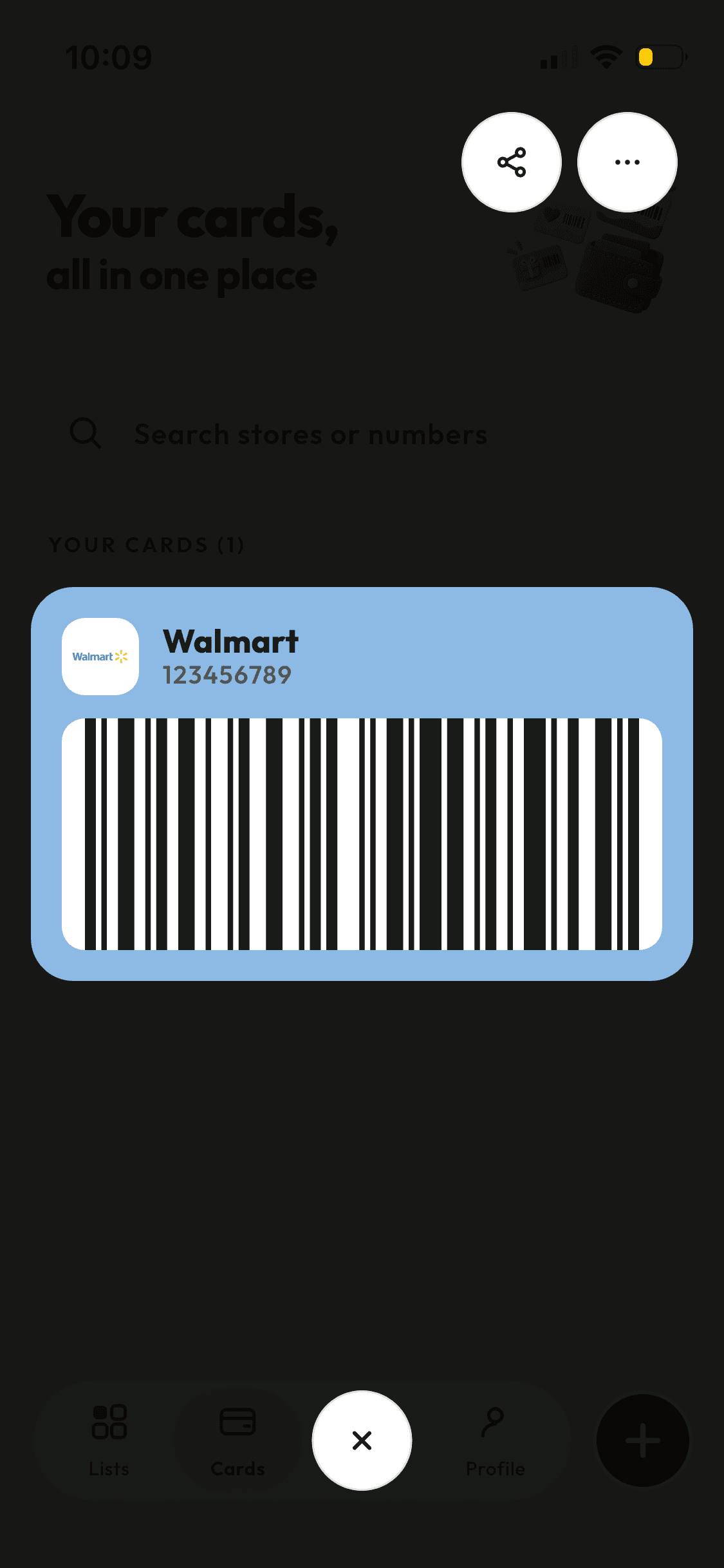
ShopAir stores loyalty cards as barcodes and QR codes. Scan the plastic one with the camera or type the number in, and the card opens full screen at the checkout for the scanner to read.
A card can be handed to the people already on your lists, so the household card stops being stuck on one person’s phone. Receiving a card someone shared with you is free, whether or not you subscribe.
What ShopAir tells you, and what it leaves alone
Five things can raise a notification, and each one is a separate switch in Settings: an item added, an item ticked off, a list finished, someone starting a shop, someone joining a list. Turn off the ones you do not want. There is nothing else.
Every shared list also keeps an activity log, so you can see who added what and who ticked it off without anyone having to announce it.
On iPhone, a home screen widget shows the next list and what is still on it, with a button that opens the loyalty card for that shop. The smallest size has room for progress only.

Before you download
The things worth knowing while you are still deciding, rather than after you have installed it.
| Question | Answer |
|---|---|
| Does the person I invite have to pay? | No. People you invite can add to and tick off the lists you share with them without a ShopAir subscription of their own. |
| What does ShopAir cost? | It is a subscription, monthly or annual. The annual plan starts with a three day free trial. The App Store and Google Play show the price in your own currency before you commit to anything. |
| Does it work without a signal? | Yes. Changes made offline are held on the phone and sent as soon as the connection returns. |
| Which phones? | iPhone and Android, released together. The home screen widget is iPhone only for now. |
| Which languages? | English and French, throughout the app. |
| Can I get my data out, or delete it? | Deleting your account in Settings permanently removes your account, the lists you own and your loyalty cards. Lists other people shared with you stay with their owner. |
Put the list somewhere you can both reach it
It takes one person to start a list and one link to bring in the second. The second person pays nothing. iPhone and Android.