
Feature by feature
Everything ShopAir does
ShopAir is a shared shopping list app and loyalty card wallet for iPhone and Android. This page is the complete inventory, written so you can decide without installing anything. Everything below is in version 1.0, checked on 17 September 2026.
Lists
A ShopAir list belongs to one shop and one household. It holds items with their amounts, the people invited to it, and the colour of the shop it is for, which is how you tell six lists apart at a glance.
The person who made it owns it. Everyone else is a member, with either edit or view rights.
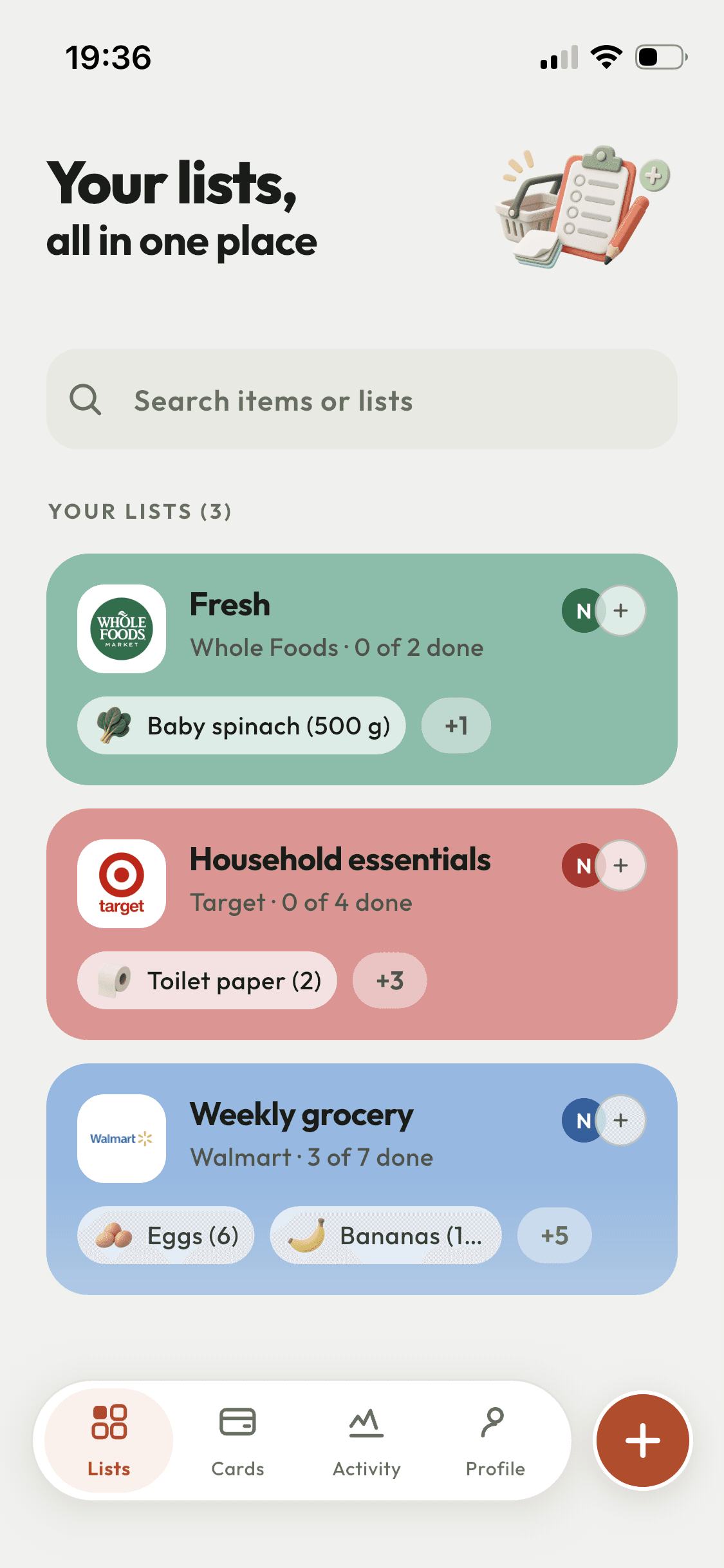
A list per shop
Attach a shop to a list and the list takes that shop’s colour, so you find the right one by glancing rather than reading. 136 chains ship with the app and 135 of them arrive with their logo. Anything missing you can add yourself, with your own image for its icon.
Quantities that mean something
Items carry an amount and a unit: pieces, kg, g, litres, ml or lb. Add something already on the list and ShopAir says so, then offers to raise the quantity, keep the two separate, or drop it.
Suggestions by aisle
Typing pulls suggestions grouped the way a shop is laid out: fresh, dairy, bakery, meat and fish, drinks, cupboard, household, personal. Aisles this list already shops from come first, so a list that is all fruit and veg opens on fruit and veg.
Photos for the ambiguous ones
Add a photo to an item when the name is not enough. The app lifts the object out of the shot and drops the background, so a specific jar reads clearly at thumbnail size. Keep the full photo instead if you prefer.
Your order, not theirs
Drag rows into the order you want. The order is yours alone: moving the weekly shop to the top of your screen does not move it on anyone else’s.
Who added this
Open any item to see who put it on the list, when, and who ticked it off. Useful when two people are shopping from the same list in two different shops.
Sharing and permissions
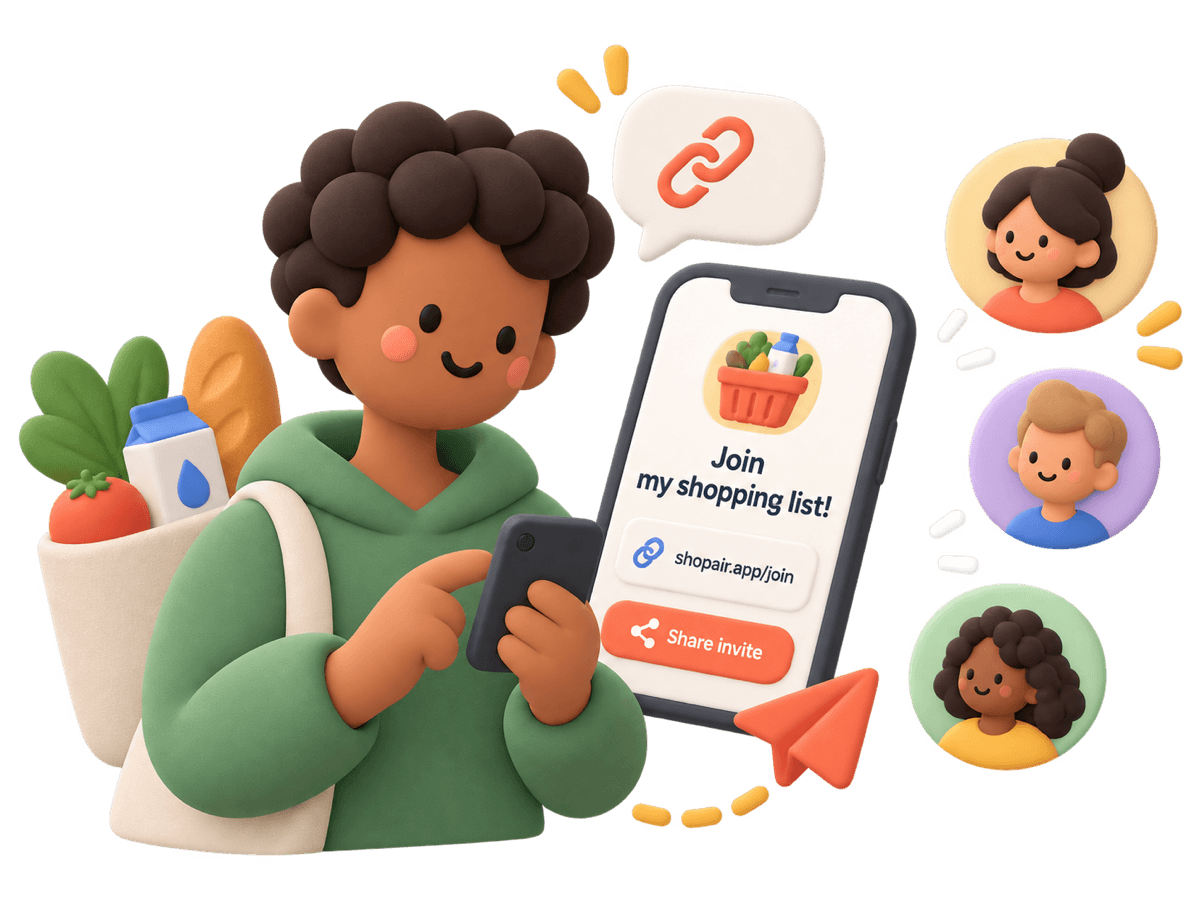
- Invite by link, by QR code, or by the email address they use for ShopAir.
- Two permission levels per person: can edit, or view only. Change it or remove someone whenever you like.
- The list belongs to whoever created it. Deleting your account leaves lists other people shared with you untouched.
- People you invite do not need a subscription of their own to use the lists you share with them.
- An activity log across all your shared lists: who added what, who ticked it, who joined.
- Keep a list of people you shop with, so the second invitation is two taps rather than a typed email address.
Loyalty cards
- Barcodes and QR codes, scanned with the camera or typed in by hand.
- Cards open full screen at the checkout so the scanner can read them.
- Share a card with people already on your lists. Accepting a card someone shared with you costs nothing.
- Logos for 135 of the 136 built-in chains, or your own image for a shop that is not one of them.
- On iPhone, the home screen widget opens the card for the shop the current list belongs to.
Platform, account and data
| Area | What you get |
|---|---|
| Platforms | iPhone and Android, with the same features on both apart from the home screen widget. |
| Home screen widget | iPhone only. Shows the next list, what is still on it, and a button for that shop’s loyalty card. The smallest size has room for progress only. |
| Languages | English and French, across the whole app. |
| Offline | Keep adding and ticking with no signal. Changes are sent when the connection returns, and the app says when it is offline rather than pretending otherwise. |
| Notifications | Five separate switches: item added, item ticked off, list finished, someone shopping, someone joined. |
| Account | Sign in with Apple, with Google, or with an email address and password. You can also start without an account, in which case the lists stay on that phone and cannot be shared or recovered. |
| Deleting your data | One action in Settings removes your account, the lists you own and your loyalty cards, for good. |
| Price | Monthly or annual subscription, with a 3 day free trial on the annual plan. The stores show the figure in your currency. |
Start with one list
Make it, name it, send the link to the person you shop with.