
Shared shopping lists
A shopping list you both write on
A shared shopping list app keeps one list between several people and shows every change on every phone. ShopAir is one: you invite the people you shop with, decide who may edit and who may only look, and the item is on their phone a moment after you add it.
What makes a list genuinely shared
Most households already share a list of sorts. It is a note, a chat thread, or a photo of a scrap of paper. Those fail in the same four places, and they are the four things worth checking in any app you are considering.
| What has to work | A note or a chat thread | ShopAir |
|---|---|---|
| One list, not two | Two people typing at once overwrite each other, or the thread scrolls and the list is thirty messages up. | One list held centrally, mirrored live to each member’s phone. |
| Knowing what is already bought | Nothing shows that a line was dealt with, so items get bought twice. | Ticking off is the main gesture, and it lands on the other phone as you do it. |
| Working with no signal | A message that will not send is a message the other person never gets. | Changes made offline are kept and sent when the connection returns. |
| Who is allowed to change it | Everyone, or nobody. There is no middle setting. | Two permissions per person: can edit, or view only. Change or revoke it at any time. |
How sharing works in ShopAir
- Make a list and give it the shop it is for. It takes that shop’s colour.
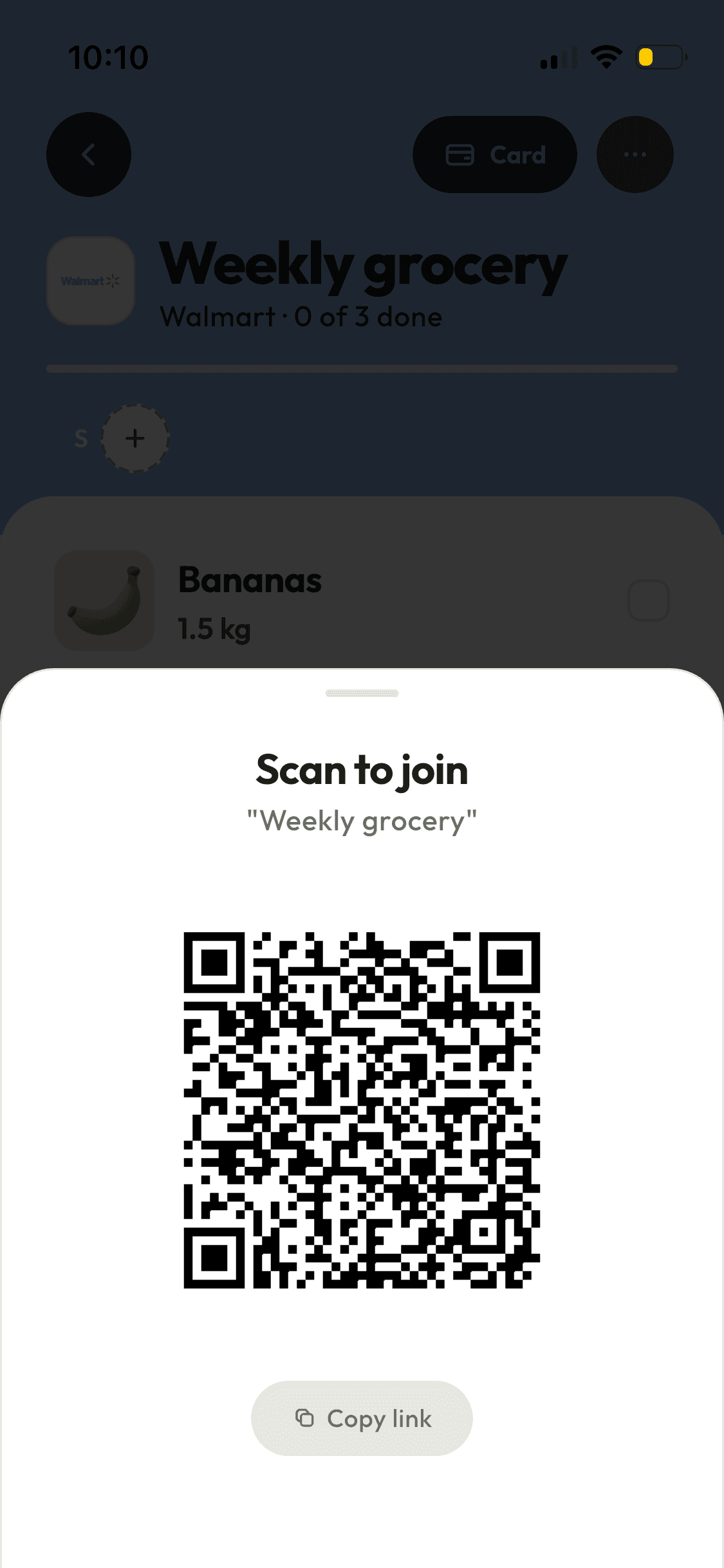
- Tap Invite. Send the link through any messaging app, show the QR code to somebody standing next to you, or type the email address they use for ShopAir.
- Choose whether that person can edit the list or only view it. You can change your mind later, or remove them.
- They open the invitation and join. The list is now on their phone, and stays there.
- Either of you adds, either of you ticks off. Notifications are per event and per person, so you can be told about new items and nothing else.
Who a shared list actually helps
Couples who shop separately
The common case, and the one the app is shaped around. Whoever passes the shop first does the shop, and the other one has already put the things on the list.
Families with older children
View only is useful here. A teenager can see what is needed and what is already in the trolley without being able to reorganise the list.
Flatmates splitting a shop
The activity log settles who added the expensive thing, and the loyalty card can be handed to whoever is going.
Shopping for someone else
A parent adds what they need from home, you shop from the same list, and neither of you has to make a phone call about it.
When you do not need this
If you shop alone and never hand the list to anyone, a shared list app is more than you need. ShopAir is paid, and the thing it is paid for is the sharing. A notes app will do the rest.
Who pays, and for what
ShopAir is a subscription, monthly or annual, with a three day free trial on the annual plan. The App Store and Google Play show the price in your currency before you agree to anything.
One subscription covers the household rather than each phone in it. Creating lists, adding loyalty cards and inviting people are the paid actions. Everyone you invite can add to and tick off the lists you share with them without paying, and receiving a loyalty card somebody shares with you is free too.
Send one link and you are sharing
Make a list, invite the person you shop with, and the next trip runs off one list instead of two.