
Loyalty cards
Loyalty cards, next to the list
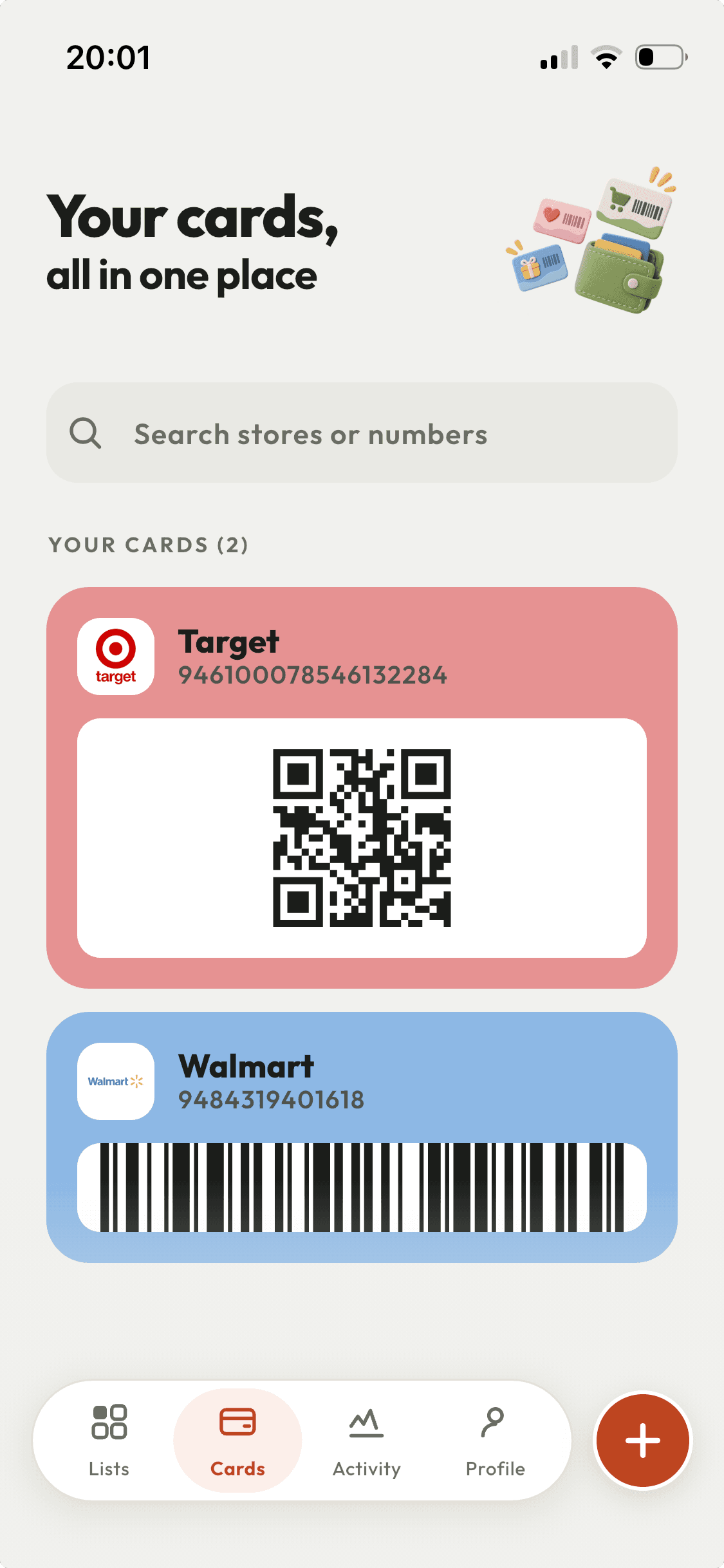
ShopAir keeps loyalty cards on your phone as barcodes and QR codes, in the same app as the shopping list you are working through. At the till you are two taps from the card rather than hunting through a separate wallet app or a jacket pocket.
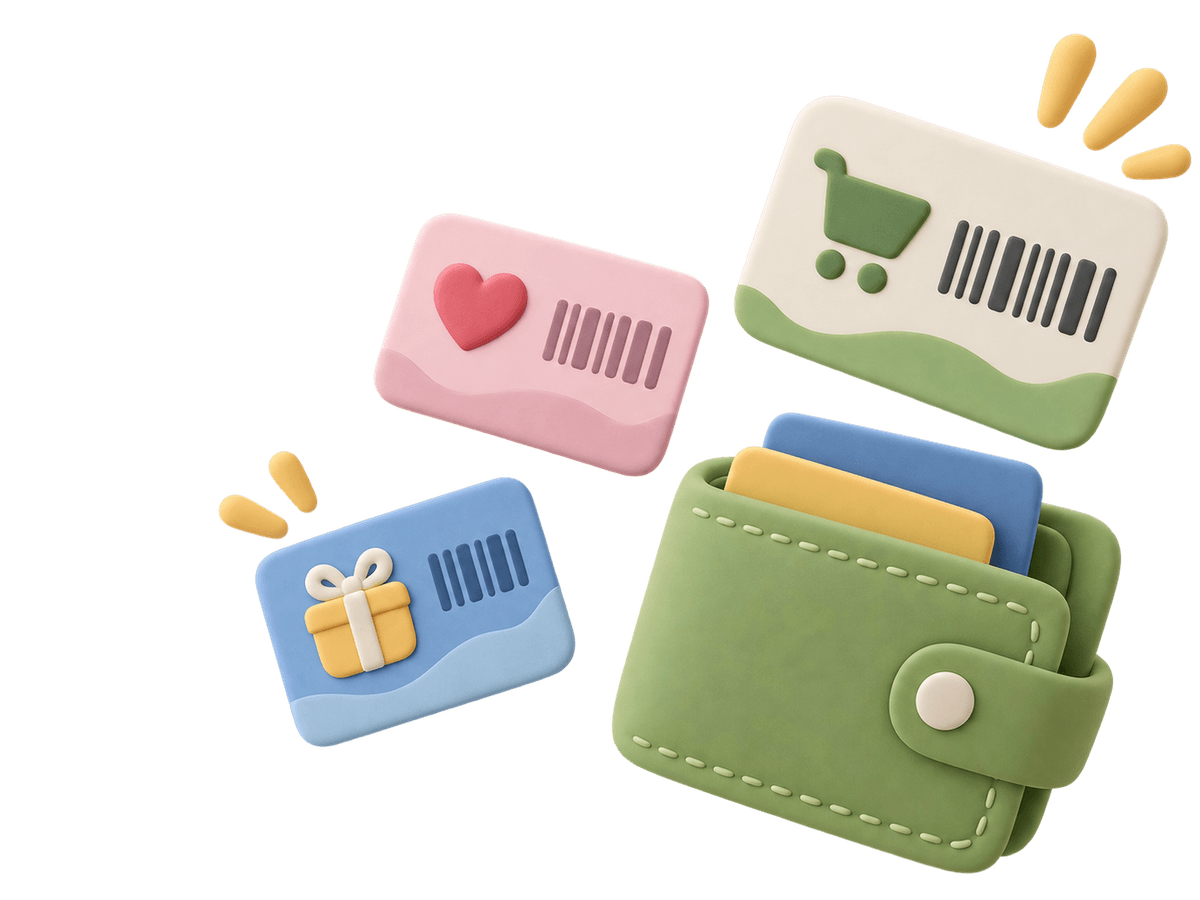
How a loyalty card gets into ShopAir
- Point the camera at the barcode on the plastic card, or type the number if the card is worn past reading.
- Pick the shop. 136 chains are built in and 135 of them arrive with their logo and colour. For anything else, type the name and use your own image as the icon.
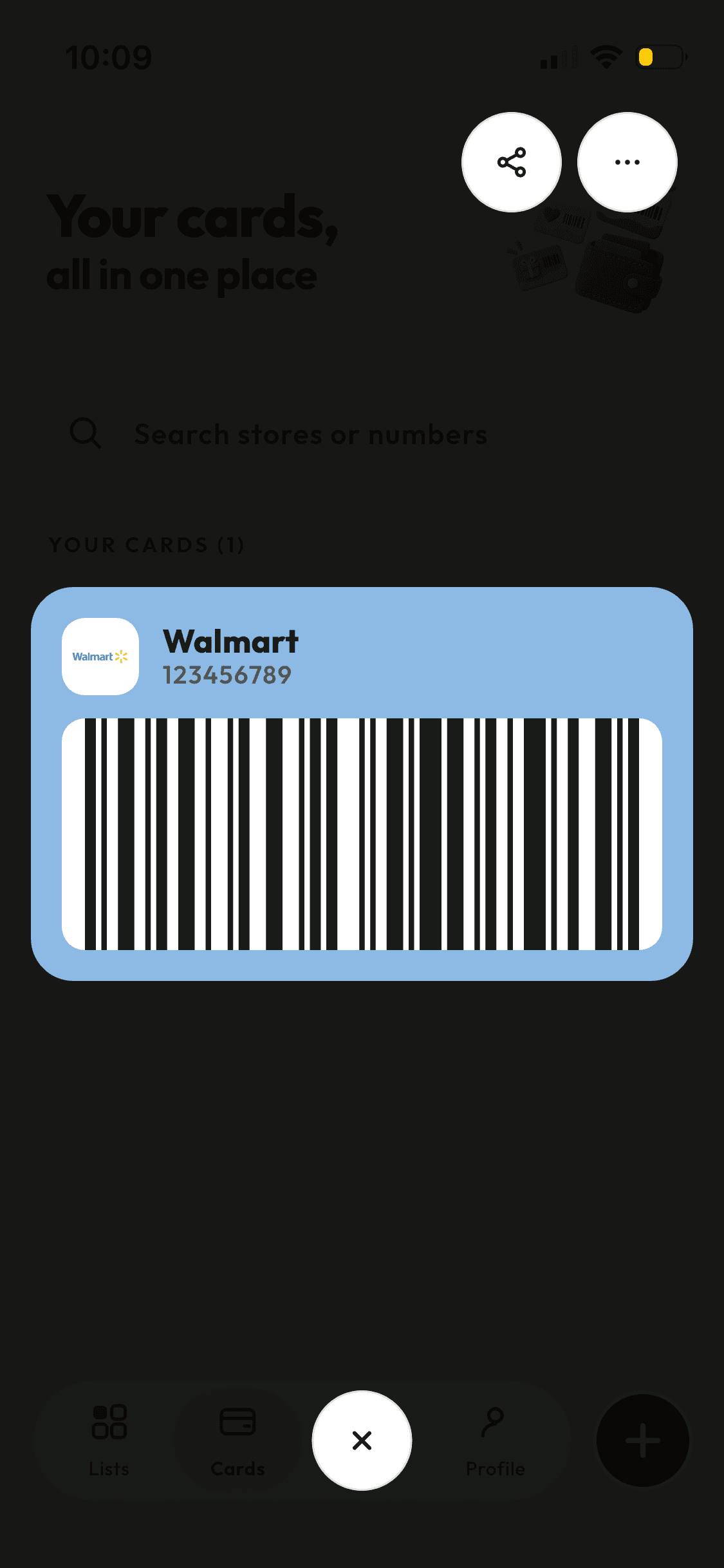
- Add the name on the card if it matters at that shop. The card is then in the wallet, and opens full screen for the scanner.
One card, the whole household
Most loyalty schemes are per household, but the card ends up living in one person’s wallet. In ShopAir a card can be sent to the people already on your lists. They accept it and it appears in their wallet, so whoever ends up doing the shop has it.
Accepting a card somebody shares with you costs nothing, whether or not you subscribe to ShopAir yourself.
On iPhone, the home screen widget knows which shop the current list belongs to and offers that shop’s card directly, without opening the app first.
What it stores, and what it does not
Worth knowing before you install it, so the wallet is not a disappointment.
| It does | It does not |
|---|---|
| Store the card as a barcode or QR code and show it full screen at the checkout. | Track your points balance. ShopAir holds the card, not your account at the shop. |
| Carry the shop’s logo and colour for the built-in chains, or your own image for the rest. | Fetch offers, coupons or promotions from the retailer. |
| Share a card with the people already on your shopping lists. | Share a card with somebody who is not on any of your lists. |
| Sit alongside the shopping list for the same shop, including in the iPhone widget. | Replace a payment card. These are loyalty cards, not payment. |
Empty the wallet into your phone
Scan the cards once, hand the important ones to the rest of the household, and stop carrying the plastic.